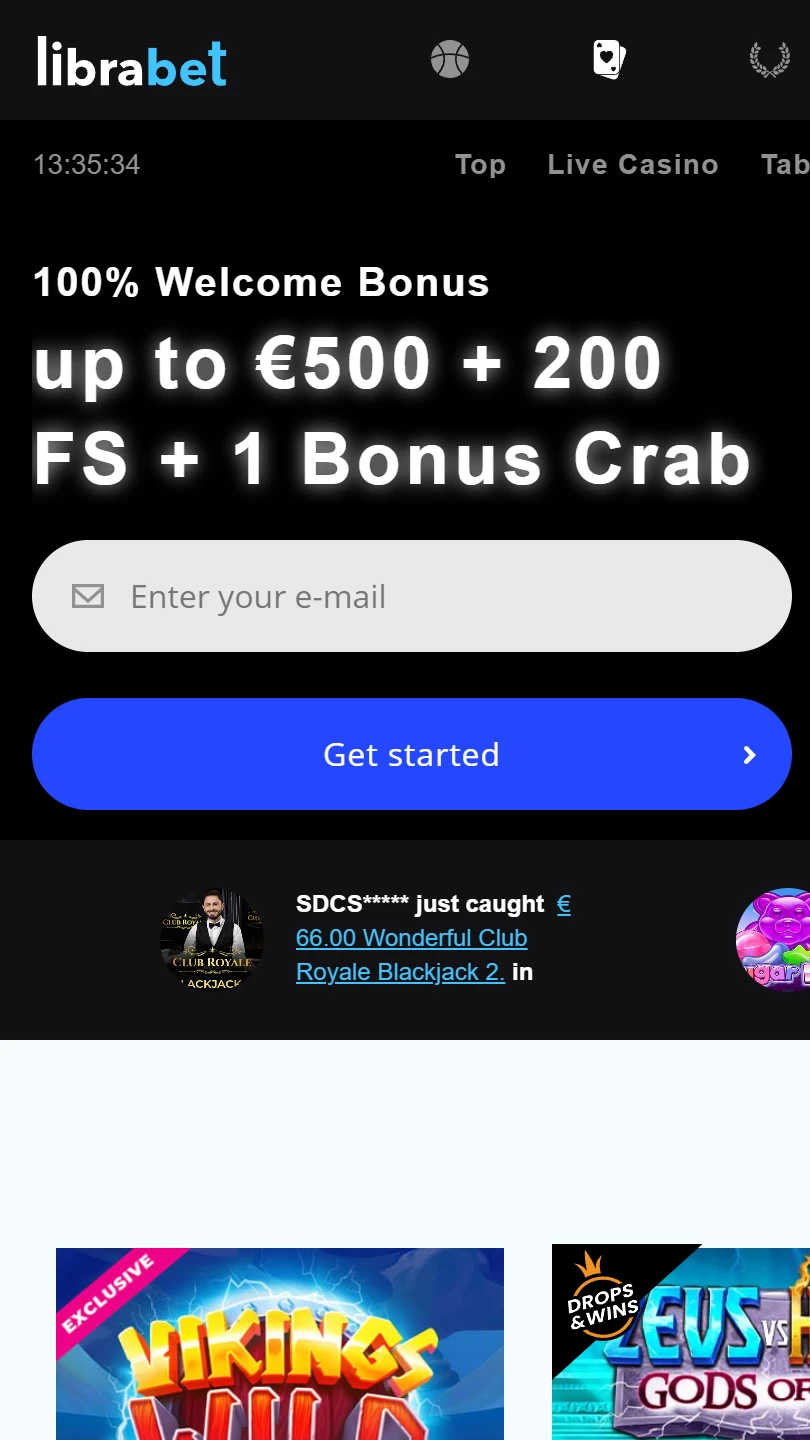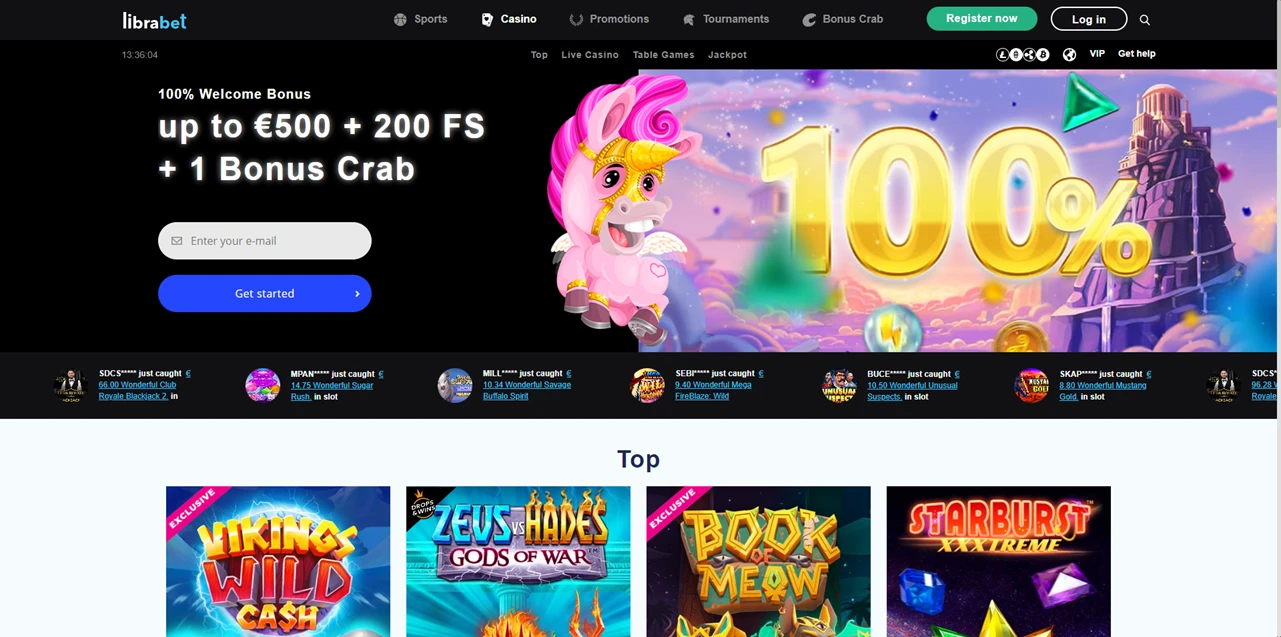
| Mobile Web App or PWA | Available  |
| Google Play Store | Unavailable  |
| Android .apk | Unavailable |
| iOS App | Unavailable |
Six reasons are given for rejecting a verification document. Three of them describe what a phone produces by default: a screenshot, a scan, or a photo that was flashed or filtered.
Half this help centre is about paperwork, and its list of failures is more specific than its list of instructions.
| Mobile Web App or PWA | Available |
| Google Play Store | Unavailable |
| Android .apk | Unavailable |
| iOS App | Unavailable |
Six reasons are given for rejecting a verification document. Three of them describe what a phone produces by default: a screenshot, a scan, or a photo that was flashed or filtered.
Half this help centre is about paperwork, and its list of failures is more specific than its list of instructions.
Four items fill the top navigation and nine fill the footer. Between them there is nothing about installing, and no store carries the brand.
No .apk exists and no file is offered for download. A browser window holds the whole product, free demo mode and real money alike. Nothing updates: the version you get at each login is the latest one the server has.
Its help centre confirms it twice without addressing the question. One entry explains how to clear your browser cache. Another, for games that will not load, suggests trying a different browser and names four.
A site whose troubleshooting assumes a browser is a website, and no application pretends otherwise. Here that counts as plain dealing.
Nine of the eighteen help entries deal with verification and documents. Not one deals with phones.
The rejection list runs to six reasons, and three of them describe the ordinary behaviour of a handset:
Consider what that rules out. Screenshotting a bank statement from your banking app is the obvious way to produce one on a phone, and it is first on the list.
So is letting the flash fire in a dim room, and so is any gallery app that sharpens or straightens on the way out.
What passes is a plain camera photograph in daylight, flash off, filter off, nothing cropped. The site lists the failures rather than printing that sentence.
Four document types are named. An identity document must be legible and unexpired. Proof of residence must date from the last three to six months. Proof of ownership is wanted for each payment method, plus transaction history covering one to three months.
Then the line under the list: this is not exhaustive and may vary.
Verification runs twenty-four to forty-eight hours once everything has arrived, which is fast. The catch sits one question earlier: deposits as well as withdrawals can be blocked until it finishes.
Fifteen offers sit across the sport and casino halves of one page. Nine carry a Get Bonus button. Six carry an Opt In button.
That label is the only thing separating an offer that applies from one that does nothing until you act. No heading groups them, and on a phone you meet the cards one at a time.
Cashback is where it bites. The word appears three times on that page — once for sport, once for casino, once for live tables — each with its own rate and its own button.
A player who assumes cashback is automatic, because one version is, will find the other two ran without them.
The answer for games that will not load offers five fixes. Try another browser, clear cache and cookies, deactivate your antivirus with two products named, disable all VPNs, disable every ad blocker.
Two deserve pushback. Switching off antivirus software to load a casino game is not advice worth following, and naming products makes it likelier someone does.
Disabling a VPN is not a technical fix either. It is a location check filed under a loading problem — reasonable to require, odd to file there.
Fourteen currencies are listed, from euro and Swiss franc to Chilean peso and Indian rupee. Sterling is not among them.
Its footer carries nine links, and none covers anti-money-laundering, KYC, complaints or payments. A strip of roughly twenty logos is the only banking information published.
Nothing identifies the business either. The operator goes unnamed, the jurisdiction unstated, and no licence reference appeared on the pages examined.
LibraBet documents its verification process better than almost anything in this bracket, down to the six ways a document gets rejected and the window once it is accepted.
What it does not document is itself. The operator goes unnamed, no licence reference appears anywhere, there is no complaints route, and the help centre tells you to switch off your antivirus.
✅ Players who want to know exactly how verification fails before it does
✅ Anyone wanting casino and sportsbook in one browser window
✅ Depositors in one of the fourteen listed currencies
✗ Anyone who checks an operator’s licence before funding an account
✗ Players who assume cashback runs without an opt-in
✗ Phone users expecting an installed app
No. Neither the navigation nor the footer offers one, no file is hosted, and the stores carry nothing under this name — a mobile browser runs everything.
Its own list gives six reasons, and three catch phone users: screenshots, scans, and photos that are blurry, flashed or filtered. A plain camera photo passes.